

Security guard
reporting software
that writes itself.DARs & Incident Reports: incidents filed from guards’ phones with photos and GPS, professionalized in one tap; clients texted or emailed by level; Daily Activity Reports at your hour.

 Loved by thousands of security teams4.7 ★5.0 ★
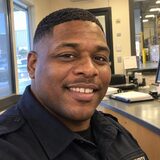 Marcus ReidOn post · Harbor Point Tower · 1:52 AM
What is security guard reporting software?
Security guard reporting software turns what guards see and do on post into records a client can read: incident reports from the guard’s phone with photos, video and a GPS stamp; checkpoint scans with photo and time; an end-of-shift report; and the Daily Activity Report assembled from all of it for the client.
In Safetrac this is the DARs & Incident Reports module: every report carries the shift from Scheduling and the patrol from Guard Reporting, alerts by level, becomes a hosted document, and the client reads it in the Client Portal.
- IncidentsSummary, details, type, photos, video, one GPS fix; filed offline too.
- LevelsThree levels, your types; per property: text, email or both.
- DAR StudioLarge, standard or compact; nine field toggles; what’s included; live preview.
- The hourPer property: its hour, its days, its recipients; a hosted link.
- Shift reportGuided at clock-out, AI-rated 0–10, owed if the shift ended without it.
Incident, checkpoint and shift reports, on one board.
Everything the field files is an issue on one board, typed against your own taxonomy, and becomes a hosted document in the same family.
Filed by the guard in the Mobile App: summary, details, the type, photos, video, one GPS fix.
- Professionalize rewrites the notes in one tap
- AI-picked type, changeable by the guard
- Alerts by level, the moment it’s filed
- Written offline, files itself with signal
The patrol record from Guard Reporting: every QR scan, photo, note and GPS verdict; never editable.
- Photo required where you say so
- Outside the fence: flagged, not hidden
- Its own hosted document, signed
- Rows of the DAR’s coverage matrix
Every shift ends with one. Quiet night: a paragraph from the shift’s facts. Busy night: guided questions.
- AI-rated 0–10 with one coaching line
- Its own system type on the board
- The guard’s summary in the client’s DAR
- Owed if the shift ended without it
The types are yours: the shared catalogue plus your own, added, renamed, retired and dragged between levels on the Issue Types tab.
Professionalize rewrites the guard’s notes in one tap.
Guards type what they saw in the Mobile App, in their own words, and tap Professionalize: first person, past tense, every fact kept as stated.
Every time, name, place, amount and action stays as stated; the guard can still edit.
Four pills light as the text covers what happened, actions taken, outcome and the guard’s value.
AI-suggested from your list, marked “AI picked — tap to change”; the level rides with the type.
Incident alerts by text or email, per property, per level.
On a property’s Notifications tab, Level 1 and Level 2 each get Email, SMS or both and their own lists; Level 3 alerts nobody.
 Pacific Shield SecurityOpened · Priya Nair · 1:56 AM
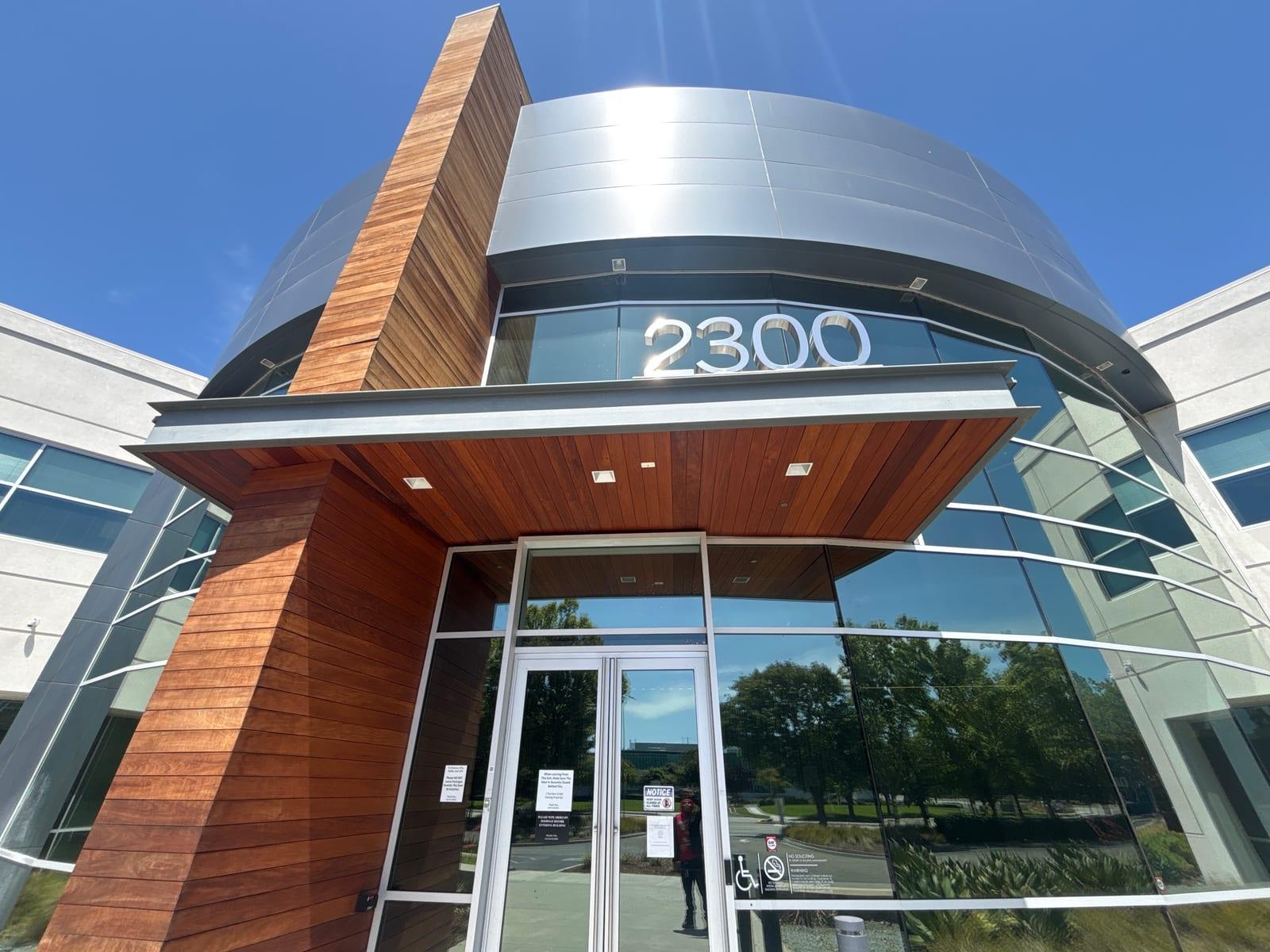 Marcus ReidOn post · Harbor Point Tower · 1:52 AM
Daily Activity Reports designed per property in DAR Studio.
Pick large, standard or compact, switch the nine fields on or off, choose what’s included; the live preview is the client’s real document, autosaved.
Pacific ShieldDaily Activity ReportSunday, November 1, 2026West hall doors secured, lobby lights on, no activity observed. Checked the stairwell door on the way through.
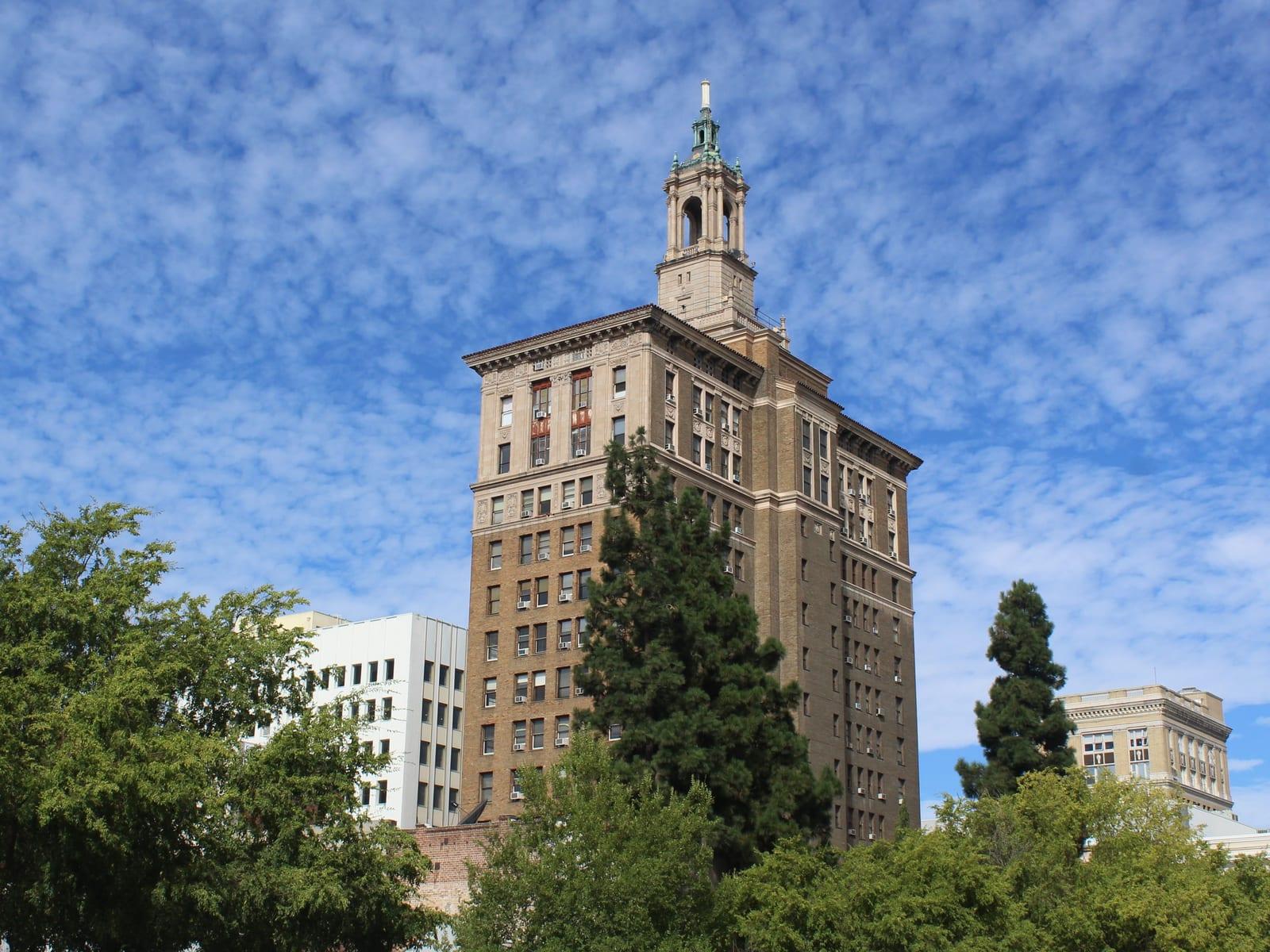
I observed an individual, apparently homeless, shouting at visitors in the lobby near the elevators and refusing to leave. I advised him twice to leave the property; he exited through the front entrance. I photographed the lobby afterward and notified the office.
Pacific ShieldDaily Activity ReportSunday, November 1, 2026West hall doors secured, lobby lights on, no activity observed. Checked the stairwell door on the way through.
Dock roll-up door down and locked. One delivery van parked in bay 2, keys not present, lot clear.
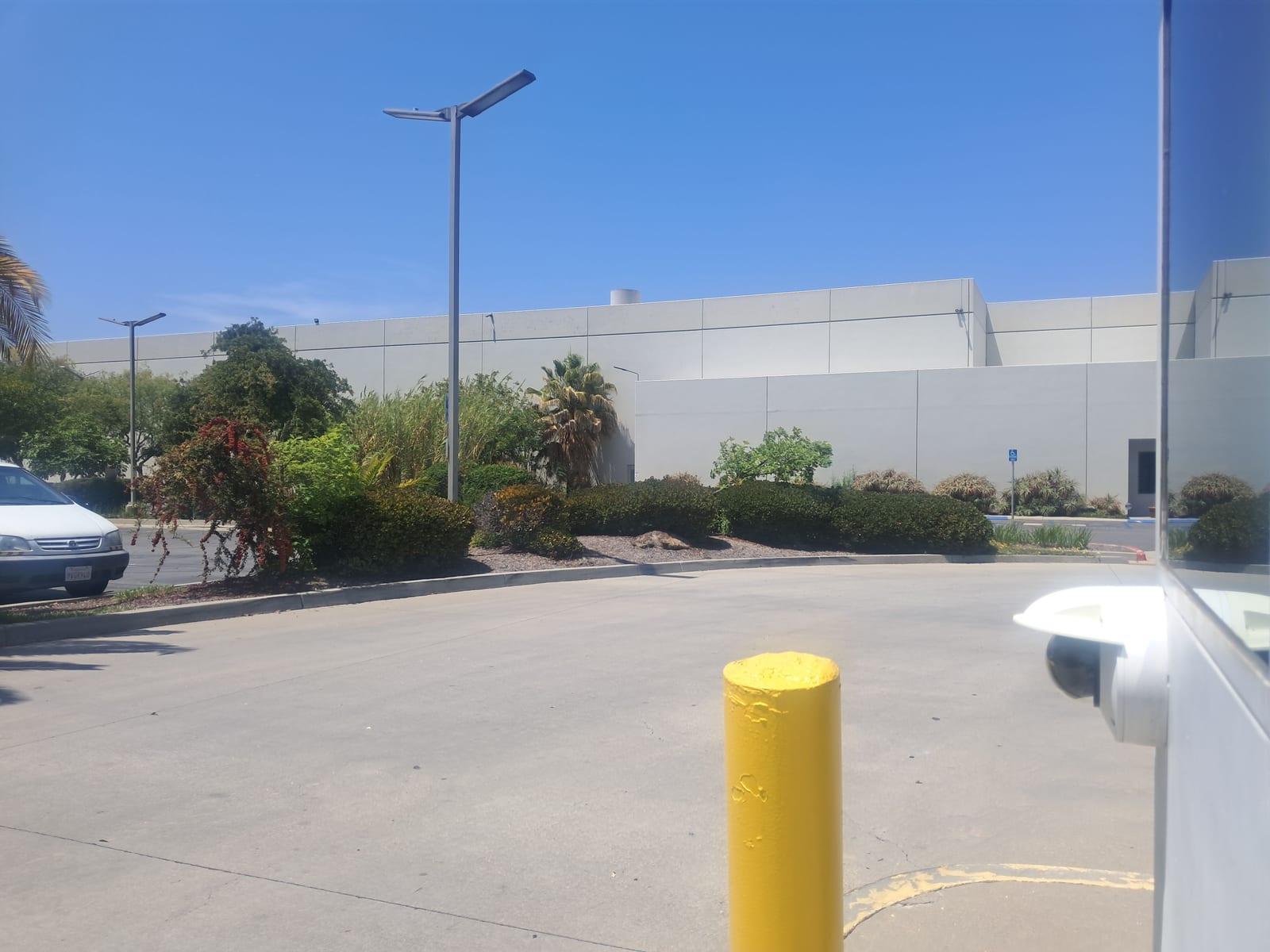
I observed an individual, apparently homeless, shouting at visitors in the lobby near the elevators and refusing to leave. I advised him twice to leave the property; he exited through the front entrance. I photographed the lobby afterward and notified the office.
Pacific ShieldDaily Activity ReportSunday, November 1, 2026West hall doors secured, lobby lights on, no activity observed. Checked the stairwell door on the way through.
Marcus ReidSecurity OfficerDock roll-up door down and locked. One delivery van parked in bay 2, keys not present, lot clear.
Marcus ReidSecurity OfficerI observed an individual, apparently homeless, shouting at visitors in the lobby near the elevators and refusing to leave. I advised him twice to leave the property; he exited through the front entrance. I photographed the lobby afterward and notified the office.
Marcus ReidSecurity Officer Pacific ShieldDaily Activity ReportSunday, November 1, 2026Every field is a toggle. Nine of them, per property.
Guard name, title and photo pull from the roster; what’s included is a switch too: checkpoints, incidents, time-clock activity, uniform checks, the route map.
- PhotosThe scan's or the incident's photo on the entry; large or medium by the format.
- Report notesThe guard's note on a scan, the narrative of an incident.
- GPS mini-mapWhere the entry was filed, on the map; the photo's stand-in when there is none.
- Issue levelThe colour bar: Level 1, 2 or 3, or the shift record.
- Checkpoint nameThe checkpoint on the entry's bar, next to the site and the time.
- Site addressThe property's street address under the stamp.
- Guard photoThe guard's profile picture, from the roster; their initials when there is none.
- Guard nameWho filed it, under or beside the photo.
- Guard titleSecurity Officer, or whatever the person record says.
A sample Daily Activity Report.
Page one: tiles, shift timeline, coverage matrix, officers’ route from Guard Reporting and the incidents; page two: the activity log in the property’s design.
- No login. The link in the email opens the document; prints to PDF.
- In the portal too. The same report lists under the property in the Client Portal, with the instant reports.
- Your company’s name and logo. Painted in your theme, your logo in the header, like the email.
Pacific Shield SecurityDaily Activity Report Marcus Reid1:53 AM — Disturbance: an individual shouting at visitors in the lobby refused to leave, was advised twice by the officer, and left through the front entrance. The lobby was photographed afterward and the office notified.
Each report follows in full in the activity log. Pacific ShieldDaily Activity ReportStart: 10/31/26 10:00 PM
End: 11/1/26 6:00 AMWest hall doors secured, lobby lights on, no activity observed. Checked the stairwell door on the way through.
Marcus ReidSecurity OfficerDock roll-up door down and locked. One delivery van parked in bay 2, keys not present, lot clear.
Marcus ReidSecurity OfficerPedestrian gate closed and latched. Planter lights working. No persons in the plaza.
Marcus ReidSecurity Officer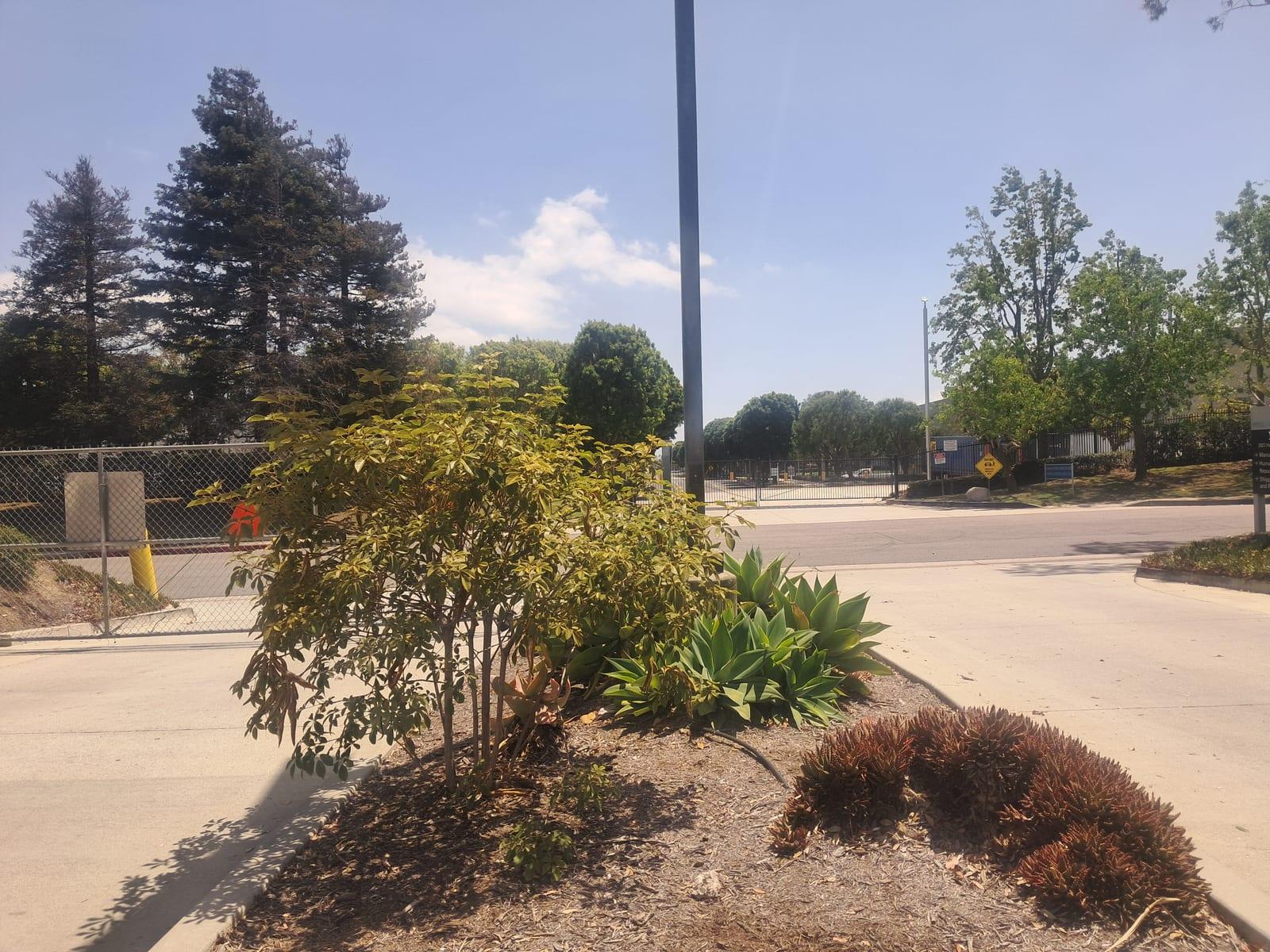
South lobby clear, elevator landing clear, fire panel showing normal.
Marcus ReidSecurity Officer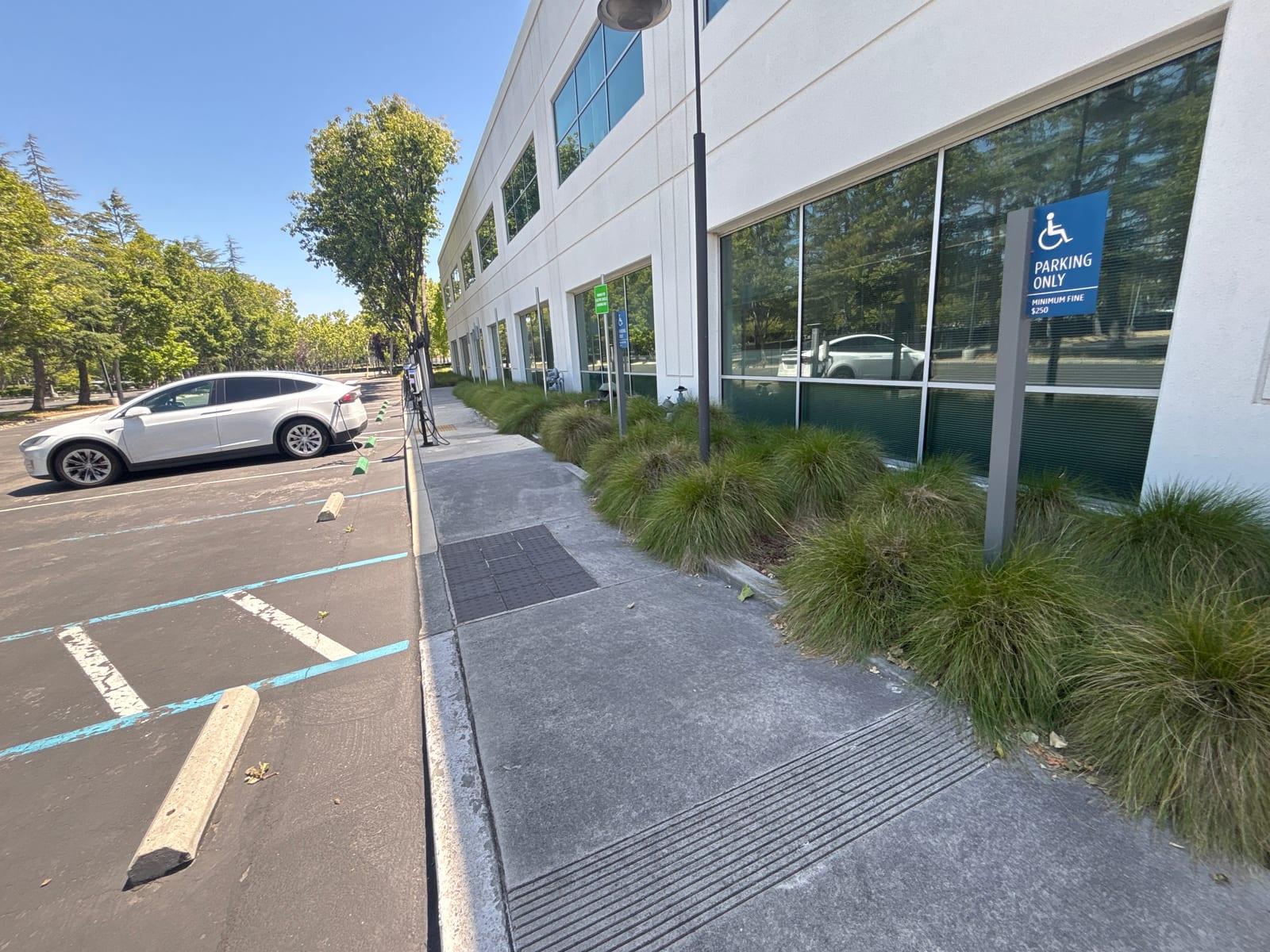
I observed an individual, apparently homeless, shouting at visitors in the lobby near the elevators and refusing to leave. I advised him twice to leave the property; he exited through the front entrance. I photographed the lobby afterward and notified the office.
Marcus ReidSecurity OfficerShift at Harbor Point Tower: one incident to report. I completed 8 of 8 patrol rounds and hit 32 of 32 checkpoints. At 1:53 AM I dealt with a disturbance in the lobby, filed separately with a photo. The property was otherwise secure throughout the shift.
Marcus ReidSecurity OfficerDaily Activity Reports emailed at each property’s hour.
Each property’s report covers the preceding 24 hours, hours on site from Timesheets, and is emailed at its hour, on its days, to its recipients.
Pacific Shield SecurityDaily Activity ReportEvery incident and scan on the Issue Monitor.
Every incident, scan and shift report on one filterable table; the drawer has photo, narrative, GPS map, Mark reviewed; Safetrac Assist+ reads the same board.
Report covers
link stays live
lists per property
into a client report
- Attach to the right property. The office corrects a report's site or type from the drawer.
- The Overview map. 24 hours of scans and reports as the guards' faces, ringed in the level's colour.
- An incident from a checkpoint. A scan's note that deserves it becomes an incident, alerts and all.
| Image | Type | Property | Created by | Time |
|---|---|---|---|---|
| Checkpoint Scan | Harbor Point Tower | Marcus Reid | November 1, 2026 at 1:21 AM | |
 | Checkpoint Scan | Westgate Plaza |  Tomas Adeyemi | November 1, 2026 at 1:14 AM |
 | Door Found Open Level 2 | Westgate Plaza |  Dana Okafor | October 31, 2026 at 11:48 PM |
 | Checkpoint Scan | Arts District Lofts |  Elena Powell | October 31, 2026 at 11:02 PM |
| Shift Report System | Arts District Lofts | Elena Powell | October 31, 2026 at 10:04 PM | |
 | Parking Lot Light Out Level 3 | Northline Logistics |  Luis Morales | October 31, 2026 at 9:37 PM |
An end-of-shift report, rated 0–10.
At clock-out the app asks for a report; the AI rates it, and shift scores average into the guard score in HR & E-Sign.
- 1Asked, not assumedQuiet night: a paragraph from rounds walked and checkpoints hit. Busy night: guided questions, then Professionalize.
- 2Rated, fairlyAI-scored 0–10 with a coaching line; shift score from attendance, patrols, compliance, reporting; inapplicable parts skipped.
- 3On the board, or owedOn the board, in the client’s DAR; if missed, the next clock-in waits for it.
Everything in DARs & Incident Reports, in one list.
Each reporting job, on log sheets and in Safetrac.
Security guard management
software, explained.
What is security guard reporting software?
What is a Daily Activity Report and how does Safetrac generate it?
How do guards file an incident report?
What does Professionalize do to a guard's report?
Who is notified when an incident is reported?
Can I customize what the Daily Activity Report looks like?
What is the end-of-shift report and the guard rating?
How much does security guard reporting software cost?
See it on your own patrols.
Compare Safetrac against any quote, or just start a free trial and run a real shift on it.
DARs & Incident Reports are included, with every other module.
$199.95 a month for your first 10 users, then $13.95 per user; reporting, GPS, scheduling, timesheets, HR, portal and app all in. 14-day trial, no contract.